

Company-configured drawings
IngeniDrawings
Prepare Inventor drawings around your company standards.
Drawing preparation
From Configured Layouts to Drawing Views
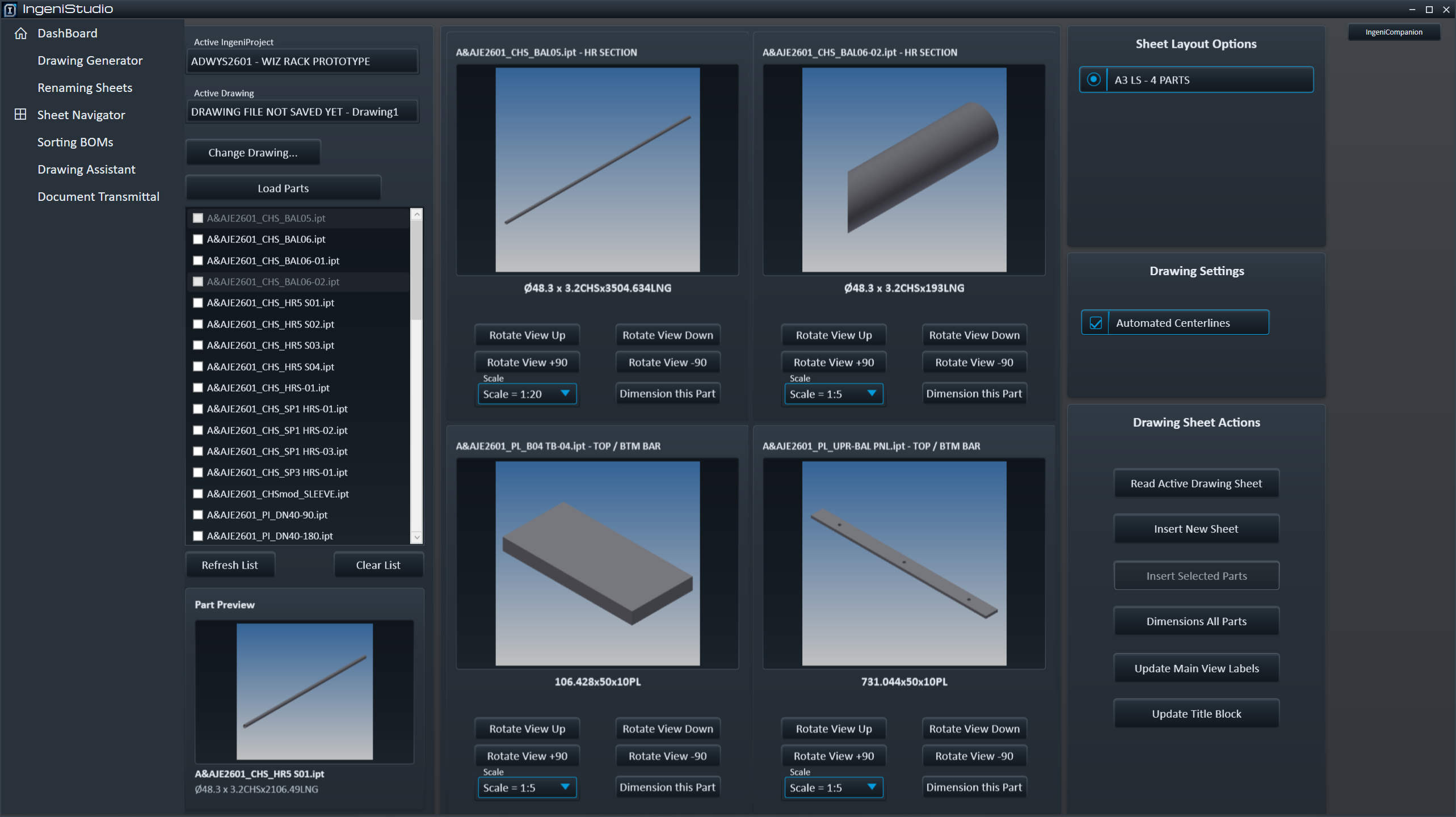
IngeniDrawings uses the active IngeniProject’s assigned, published Company Standards to prepare drawing sheets and views in Autodesk Inventor. Load or create the drawing, select the part files and choose the intended Sheet Layout.
Drawing Generator creates configured base and projected views and applies the resources required by the saved layout. These can include borders, title blocks, revision-table settings, Parts Lists and sketched symbols.
New insertion requires an empty target layout. Review the generated views, labels and any reported issues in Inventor, complete the required manual drafting and save the drawing.
Continue the detail
Read Back and Review Generated Sheets
Supported generated sheets retain layout and view information. Read Active Drawing Sheet restores the relevant generator context when the sheet has supported metadata and matching package and layout records.
Use the available generator controls to review generated views and update Main View labels, then check the resulting drawing before saving.
Sheet administration
Keep Sheet Names Consistent
Renaming Sheets applies a chosen prefix, numbered sequence and optional revision suffix. Set the numbering width to suit the drawing set.
A related workflow transfers sheet names into a selected existing custom iProperty or supported Inventor property. Review that property before running the operation: this can save referenced models as well as the drawing.
Document issue information
Prepare a Dated Transmittal Workbook
Collect sheets from the active drawing or selected drawing files, then review their referenced items and model-sourced drawing number, revision and design status.
Save a new Excel .xlsx transmittal or append a dated issue to a compatible existing workbook. Saved drawing and model references and readable IngeniProperties are required. Review the workbook alongside the intended document set before issue.
Visual sheet management
Work Across the Drawing with IngeniSheets
Open IngeniSheets from IngeniDrawings to preview, activate and reorder sheets, use Copy and Replace, and sort configured assembly Parts Lists.